






Quick Takeaways (TL;DR)
- An IES file can look “professional” and still hide inflated lumen claims or unrealistic assumptions.
- You can do a 10-minute sanity check without DIALux by checking metadata, distribution shape, mounting assumptions, and internal consistency.
- Look for red flags like impossible peak intensity, suspicious symmetry, missing test lab details, or mismatch vs datasheet.
- Always request the matching test report (LM-79 or equivalent photometric report) and confirm it references the same model + configuration. (If your supplier isn’t clear on what an IES file represents, start here: IES: Learn About IES Files.)
- For tenders, enforce: “No IES / no bid” and “No silent substitutions”. If you need a ready-to-use template pack, grab: Free Tender Pack: Project Input Sheet.
Related (internal): Solar Street Light Guides Hub · Resources Hub (Templates & Evidence) · Buyer’s Guide Hub · manufacturer sourcing checklist
Why “Lumens” Alone Is Easy to Fake
In outdoor lighting, the number that matters is not the marketing lumen claim—it’s the delivered light on the ground with the right distribution, mounting height, tilt, and spacing. That’s why serious projects compare fixtures using photometrics, not brochure claims.
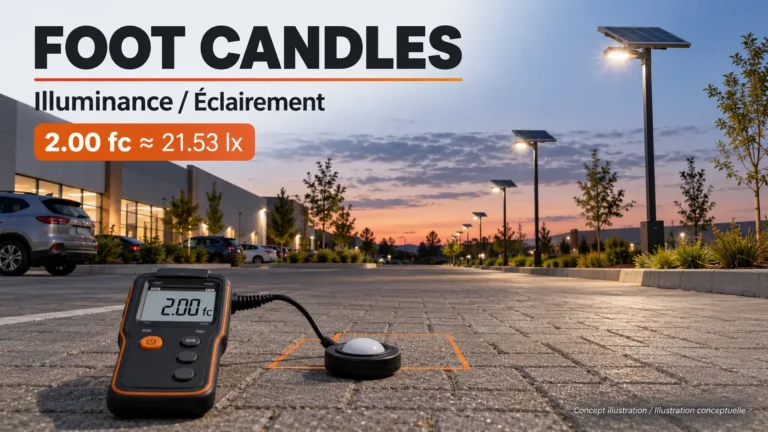
If you want a clean refresher on core terms (lumen, lux, candela) before reading photometrics, see: Understanding Key Optical Terms. For the classic “wattage vs lumens” trap (especially common in solar lighting), see: Wattage vs Lumens in Solar Lighting.
An IES file is a photometric data file that describes the light intensity pattern in all directions. Used correctly, it helps engineers simulate coverage and uniformity. Used dishonestly, it can be edited or “borrowed” to make a product look better than it is.
The 10-Minute IES Sanity Check (No Software Required)

Step 1: Check the basics in the file header
- Manufacturer + model: Does it clearly match the product you’re buying?
- Test lab / report reference: Is there an identifiable lab name or report ID?
- Date + revision: If it’s “too old” or has no date, treat it as suspicious.
- Light source info: LED type, total lamp lumens, input watts—does it look realistic?
Step 2: Do a quick “lumen-to-watt” plausibility check
Ask yourself: does the claimed lumen output make sense for the input power and the product class? If you’re unsure what LM-79 actually tests and reports, here’s a concise lab-side explanation: Intertek: ANSI/IES LM-79 Testing.
- If the file suggests extremely high lumens at unusually low watts, demand the full test report.
- If the product is solar (battery limited), be extra strict—runtime claims often depend on lower actual wattage.
Step 3: Look for a believable distribution shape
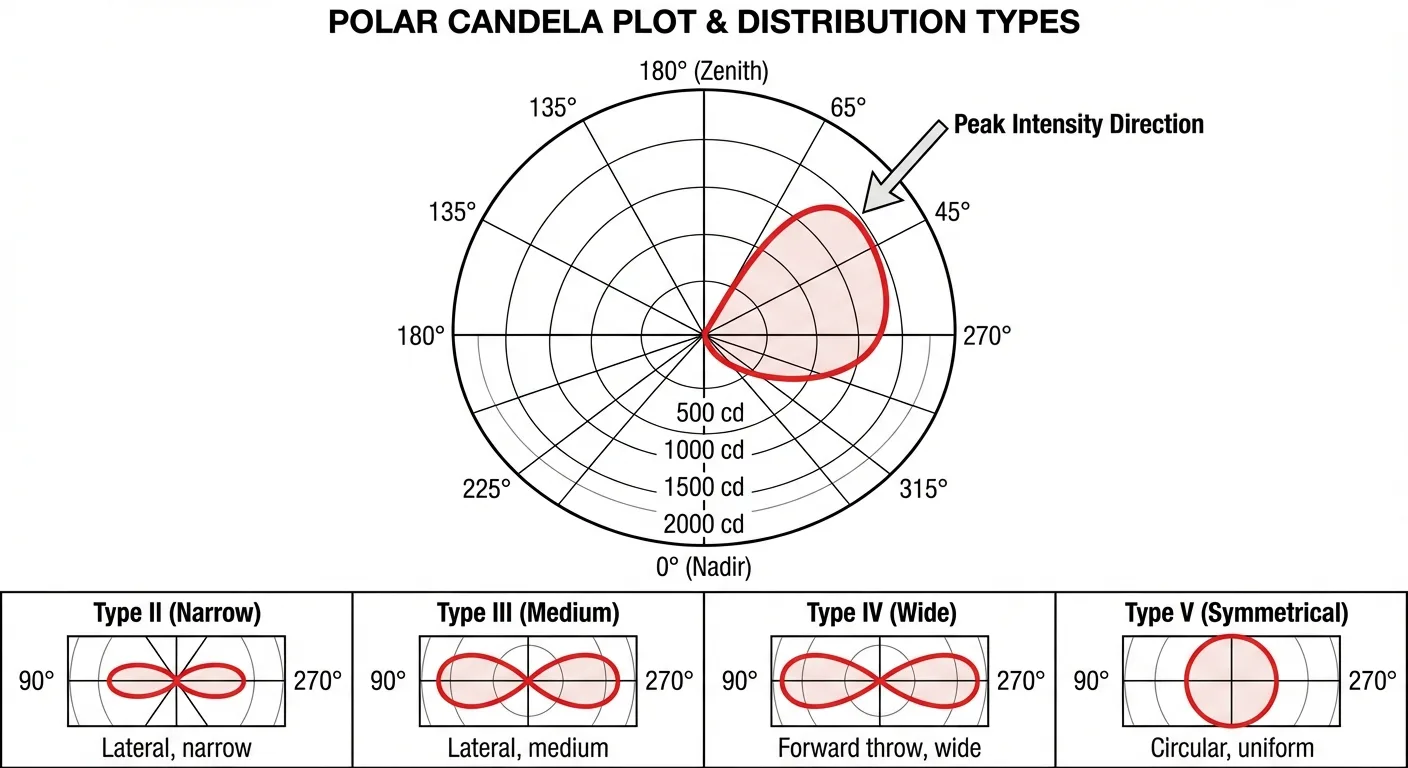
Outdoor road lighting usually needs controlled optics (Type II/III/IV, etc.). A distribution that looks like a “perfect cone” may indicate generic or reused photometrics. (For a tender-ready workflow on comparing optics and deliverables, use: Guides Hub.)
Step 4: Verify mounting assumptions
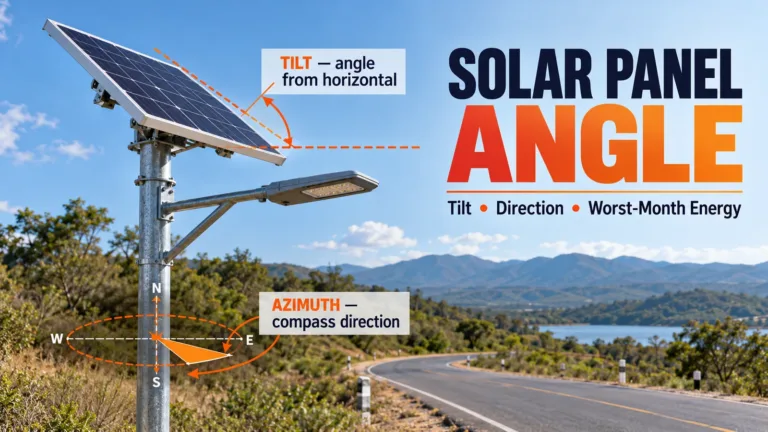
Photometrics are only meaningful when the assumed mounting height, tilt, setback, and spacing match the project. If a supplier shows you a great-looking result but used a higher pole or tighter spacing, the “win” is fake.

Step 5: Cross-check against the datasheet
- Does the IES file’s wattage match the datasheet mode (full power vs dimming profile)?
- Does the CCT match (3000K/4000K/5000K)? Optics and output can vary.
- Does the beam type match the product photo (lens layout, reflector, cutoff design)?
If your team needs a clean “apples-to-apples” comparison path (inputs, assumptions, pass/fail), use: Solar Street Light Buyer’s Guide Hub and the Project Input Sheet.
7 Red Flags That Expose Inflated Claims
| Red flag | Why it’s suspicious | Fast check | What to ask the supplier |
|---|---|---|---|
| Missing test lab details | No accountability; easier to reuse/edit files | Header has no lab/report ID/date | “Send the full photometric report referencing this exact IES file.” |
| Mismatched watts vs datasheet | They may show a file from a different configuration | Compare input watts | “Confirm driver current, LED count, and measured watts in the report.” |
| Unrealistic peak intensity | Implies optics performance that doesn’t match hardware | Peak looks extreme relative to typical patterns | “Provide optic model + lens spec and verify with lab report.” |
| Perfect symmetry for a roadway optic | Road optics are usually asymmetric | Pattern looks identical in all directions | “Is this a flood optic? If it’s road optic, show Type classification.” |
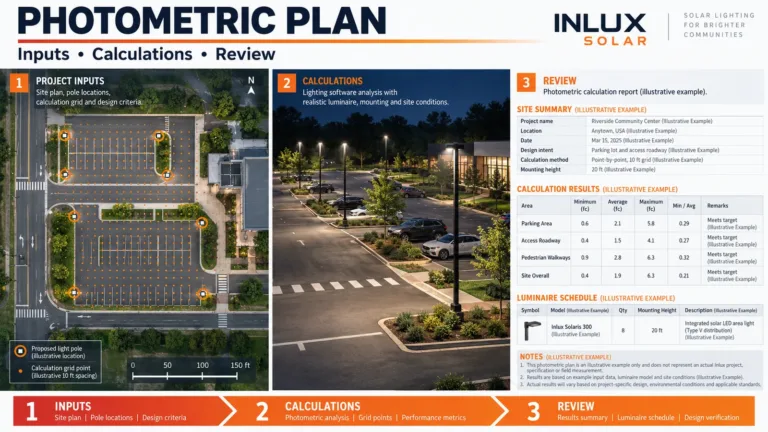
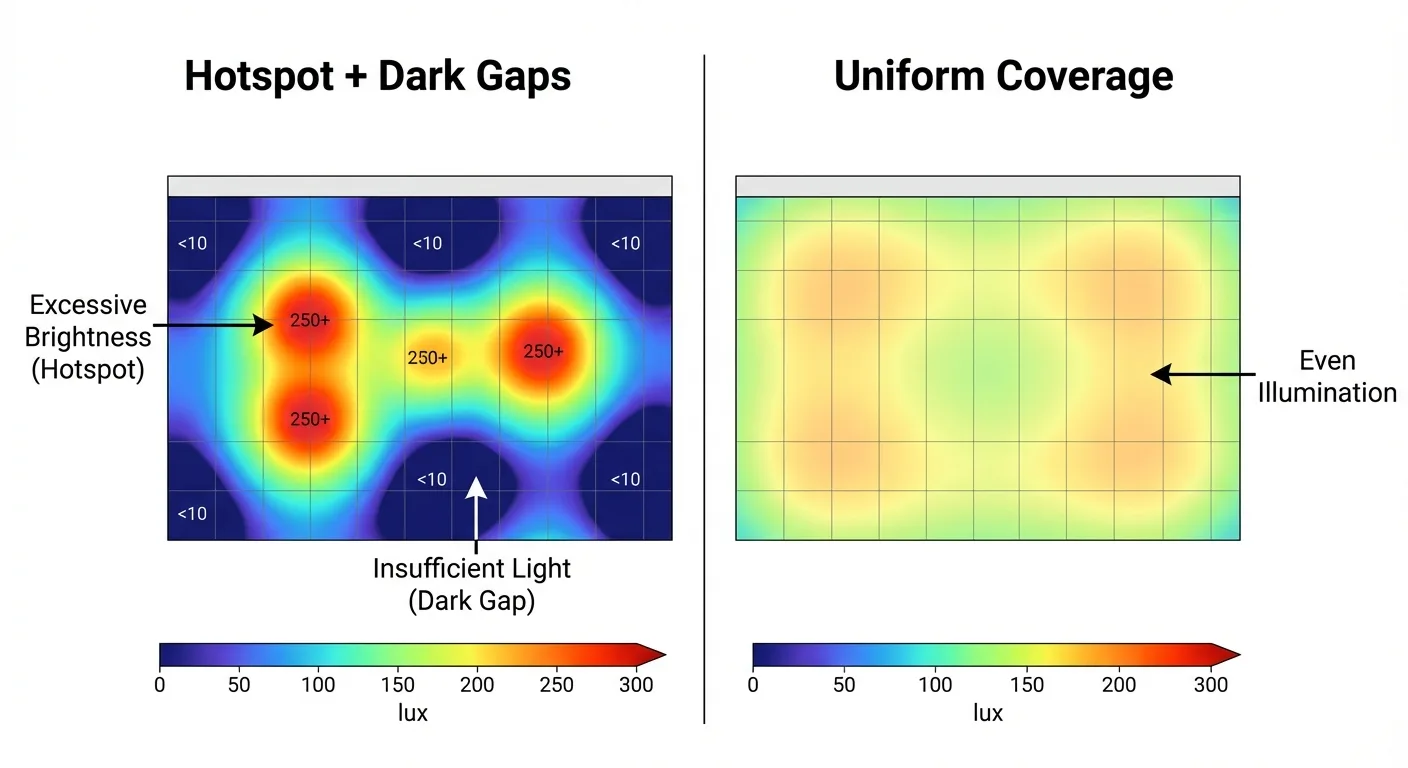
| Too-good uniformity screenshots | They may have changed pole height/spacing/tilt to win | Ask for simulation inputs | “Share DIALux/AGi32 inputs: pole height, spacing, tilt, road width.” |
| IES file doesn’t match fixture appearance | “Borrowed” photometrics from another luminaire | Optics shown vs lens layout | “Send internal optic photos and confirm optic part number.” |
| No mention of tolerances / binning | Real output varies by LED bin & thermal conditions | Claims are overly precise and absolute | “What lumen tolerance and LED binning policy do you guarantee?” |

The “Procurement-Safe” Way to Request Photometrics
If you want this to survive tender review and field acceptance, request photometrics like this:
- IES file + full photometric report (must reference the same model and configuration)
- Optic type / distribution (Type II/III/IV/V or equivalent classification)
- Measured input watts at the tested setting
- Test conditions (CCT, ambient, stabilization, etc.)
- No-substitution clause for LED package, optics, driver, and firmware modes
Want a strong, public-sector-friendly performance baseline? DOE’s roadway luminaire model specification is a useful reference: DOE: Model Specification for LED Roadway Luminaires. For broader roadway lighting resources and guidance, see: FHWA: Roadway Lighting Resources.
Suggested tender clause (copy/paste):
“Bidders must submit IES photometric files and the corresponding accredited-lab photometric test report for the proposed luminaire configuration. Files must match the offered model, optics, CCT, and driver setting. Substitutions of LED, optics, driver, or firmware dimming profile without written approval are not permitted.”
If you want ready-to-use RFQ/BOQ templates + QC evidence checklist, open: Solar Street Light Resources Hub.
What To Do After the IES Passes
- Lock the inputs: pole height, spacing, road width, tilt, target illuminance & uniformity (use Project Input Sheet).
- Compare like-for-like: same assumptions, same dimming mode, same CCT/optic version (start at Buyer’s Guide Hub).
- Then shortlist product type: for integrated commercial systems, see All-in-One Solar Street Lights.
FAQ (Tender-Friendly)
What is an IES file?
An IES file is a standardized photometric data file that describes a luminaire’s light intensity distribution in all directions for lighting design calculations.
Can an IES file be fake?
Yes. It can be reused, edited, or mismatched to a different configuration. Always request the matching lab report.
Do I need DIALux to evaluate an IES file?
No. You can spot many issues by checking metadata, watt/lumen plausibility, distribution shape, and consistency vs the datasheet.
What’s the biggest mistake buyers make with photometrics?
Comparing screenshots without verifying the simulation inputs (pole height, spacing, tilt, road width). Small input changes can “manufacture” a win.
Why do two suppliers show different results for the same road?
Often because they used different assumptions or different dimming modes. Require shared inputs or compare under identical constraints.
What’s the difference between lumens and lux?
Lumens are total light output; lux is the illuminance on a surface (what the road actually receives). See: Key Optical Terms.
Does higher lumen always mean better street lighting?
No. Optics and distribution determine uniformity, glare, and spill light. Poor optics can waste lumens.
What should the IES file match on the datasheet?
Model, optics, CCT, driver setting, input watts, and any listed lumen output range.
What are Type II/III/IV/V distributions?
They are common roadway lighting distribution categories describing how light is spread across and along the road.
Why is “perfect symmetry” a red flag for roadway optics?
Road lighting often requires asymmetric forward throw and cutoff control. A perfectly symmetric pattern may indicate generic photometrics.
How do I prevent “silent substitutions” after awarding the project?
Lock the IES + lab report + optic/driver/LED part numbers in the contract and require written approval for any changes.
Can solar street lights use the same IES file as grid lights?
Sometimes, but only if the luminaire optics and drive current are identical. Solar products often run different power modes.
What if the supplier refuses to provide the lab report?
Treat it as a procurement risk. Without verification, photometrics are not evidence.
How many IES files should a supplier provide?
At minimum, one per optic/CCT/driver configuration offered. If they offer multiple power modes, request each mode’s photometrics.
What’s the quickest way to compare two IES files fairly?
Run both under identical simulation inputs (same pole height, spacing, tilt, road geometry) or demand the raw inputs used for screenshots.
Does temperature affect photometrics?
Yes. LED output and driver behavior can vary with thermal conditions. That’s why lab testing and tolerances matter.
Should I require IES files for every tender?
For performance-critical outdoor lighting, yes. It’s one of the fastest ways to avoid paying for inflated claims.
What should I do next after the IES sanity check passes?
Move to sizing (peak sun hours, autonomy days, dimming profile) and verify QC evidence—battery pack build, controller protections, and surge protection. Next reading: Autonomy & Cloudy Weather Performance · Direct Sunlight Reality + Tests · Troubleshooting Solar Lights